



AI Assistants That Reflect How You Work
Deploy governed, citation-backed assistants trained on your approved content—no code required.
Unlike generic chatbots, Turbine managed assistants answer only from your curated SOPs, policies, courses, and documented expertise. Every response includes citations, and all usage activity is logged for compliance.
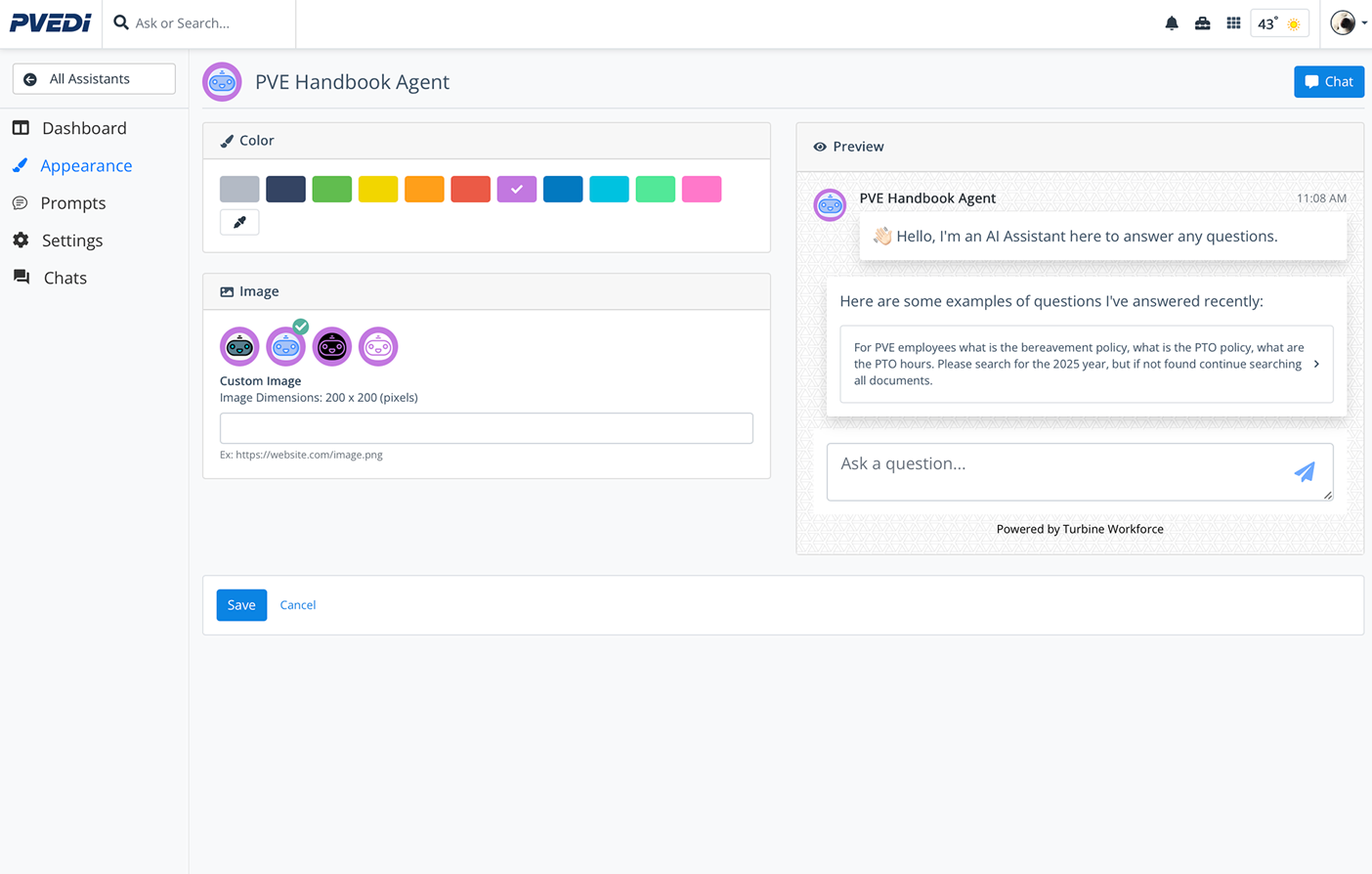
Answers include citations to source documents with version tracking
Why Managed Assistants Beat Generic AI Tools
Built for workforce environments where accuracy, governance, and compliance matter.
- Answer from public internet data
- No source citations or audit trails
- Hallucinations risk compliance violations
- Same answers for everyone, no role awareness
- No integration with your existing systems
- Answer only from your approved collections
- Every response cites source documents with versions
- Guardrails prevent off-topic or inappropriate responses
- Namespace control scopes content by role and team
- Integrates with KnowledgeOps, LMS, VELA, and ReportingOps
How to Build and Deploy
From content capture to live deployment in days, not months.
Capture & Organize
Gather SOPs, policies, training materials, and work-based evidence into structured collections using KnowledgeOps and VELA.
Configure Governance
Set namespaces, retrieval policies, disallowed topics, and citation requirements. Define who can access what content.
Train & Validate
Test assistant responses against known questions. Refine prompts and source mappings until answer quality meets standards.
Deploy to Teams
Launch assistants with role-aware access. Users see only the content their namespace permits, with full audit logging.
Monitor & Improve
Track usage patterns, feedback signals, and unanswered questions. Update sources and prompts to raise quality over time.
Assistant Templates by Use Case
Start with a proven template, then customize prompts, sources, and guardrails for your organization.
Training Assistant
For: New hires, apprentices, learners
Provides contextual answers from courses, SOPs, and training videos. Guides skill development and answers procedural questions with citations.
- Links to Resources collections (courses, SOPs, videos)
- Answers with citations and version history
- Skill path guidance and readiness checks
- SCORM/xAPI content integration
Compliance Assistant
For: Case managers, program administrators
Validates WIOA/PIRL requirements, checks eligibility gaps, and guides staff through documentation workflows with audit-ready citations.
- WIOA/PIRL and apprenticeship rule lookups
- Policy forms and ReportingOps integration
- Gap analysis with next-step guidance
- Full audit trail with citations
Operations Knowledge Assistant
For: Field teams, technicians, supervisors
Surfaces operational procedures, equipment manuals, and safety protocols scoped to team, site, or product line.
- Team/site/product-scoped collections
- Role-aware answers with namespace boundaries
- Citations to documents, images, and videos
- VELA integration for work-based evidence
Onboarding Assistant
For: HR teams, hiring managers, new employees
Walks new hires through company policies, benefits enrollment, and day-one procedures with personalized guidance.
- Employee handbook and policy Q&A
- Benefits and enrollment guidance
- IT setup and access procedures
- Culture and team introductions
Safety & Equipment Assistant
For: Shop floor workers, safety officers
Provides immediate access to safety procedures, equipment operation guides, and incident reporting protocols.
- OSHA and safety regulation lookups
- Equipment-specific operation guides
- Incident reporting workflows
- PPE requirements by task
Customer Service Assistant
For: Support teams, sales staff
Answers product questions, troubleshoots common issues, and guides staff through resolution workflows.
- Product knowledge base integration
- Troubleshooting decision trees
- Escalation protocols and handoffs
- Customer communication templates
Built-In Governance Features
Every managed assistant includes compliance-ready controls.
Resource-Curated Knowledge
Assistants answer only from approved collections. No internet data, no hallucinations.
Citation Requirements
Every response includes source citations with document names, versions, and page references.
Namespace Boundaries
Scope content access by team, role, site, or program. Users see only what they should.
Guardrails & Filters
Block disallowed topics, enforce tone guidelines, and filter inappropriate content.
Usage Analytics
Track questions asked, sources cited, feedback signals, and unanswered queries.
Audit Logging
Full history of who asked what, when, and which sources were used—ready for compliance review.
Ready to Build Your First Assistant?
Share your use case and content sources. We'll help you configure namespaces, guardrails, and deployment in days.